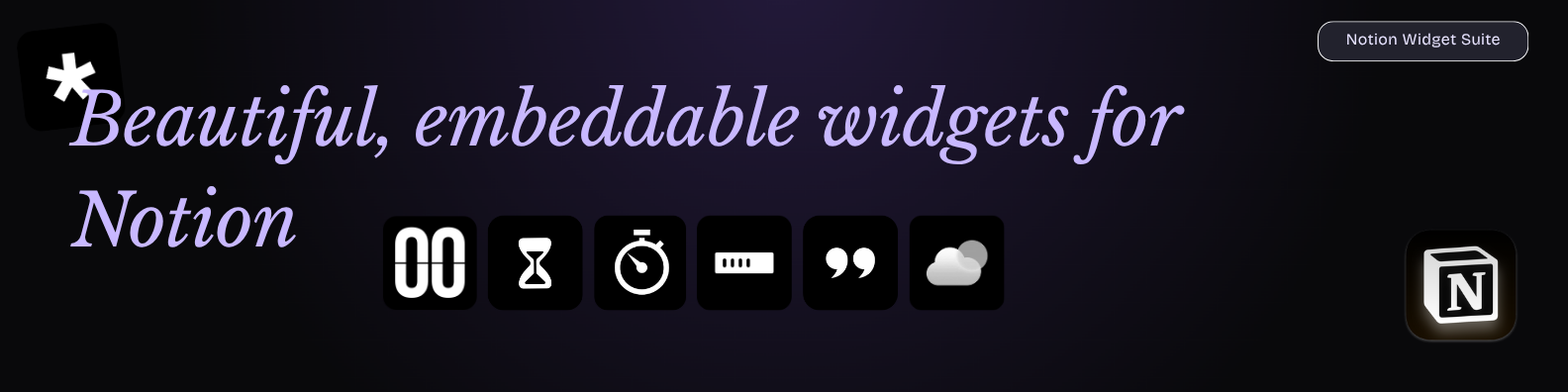
Static, embeddable Notion widgets built with Next.js App Router, TypeScript, and Tailwind CSS.
Includes clock, timer, stopwatch, D-Day, quotes, weather, and progress widgets with URL-based customization.


- Clock, Timer, Stopwatch, Quotes, D-Day, Weather, and Progress widgets
- Static-compatible, iframe-safe embeds for Notion
- Theme, layout, color, and behavior customization through query params
- Responsive UI with transparent-friendly embeds
npm install
npm run sync:quotes
npm run dev
Open http://localhost:3000/clock or http://localhost:3000/quotes.
-
Fork the repo on GitHub: https://github.com/rushhiii/notion-widgets
-
Clone your fork locally:
git clone https://github.com/YOUR_USERNAME/notion-widgets.git cd notion-widgets -
Install dependencies:
npm install
-
(Optional) Sync Notion quotes locally:
- Create
.env.localwithNOTION_TOKENandNOTION_DATABASE_ID - Run
npm run sync:quotes
- Create
-
Test locally:
npm run dev
Open
http://localhost:3000/clockto verify. -
Push to your GitHub fork:
git add .
git commit -m "Deploy to Vercel"
git push origin main
-
Deploy to Vercel:
- Go to https://vercel.com and sign in
- Click "Add New" → "Project"
- Select your forked repo
- Click "Deploy"
-
(Optional) Add environment variables in Vercel:
- Go to project Settings → Environment Variables
- Add
NEXT_PUBLIC_OPENWEATHER_API_KEYif you use weather widgets - Redeploy for changes to take effect
Your widgets will be live at https://YOUR_VERCEL_APP.vercel.app/clock, /timer, etc.
/clock/timer/stopwatch/dday/quotes/weather/progress
- Clock:
tz,format,seconds,theme,controls,size - Timer:
t,start,theme,controls,size - Stopwatch:
t,start,theme,controls,size - Quotes:
category,source,mode,rotate,interval,bg,border,text,accent - D-Day:
date,mode,align,showdate,bg,color,titleColor,dayColor,timeColor - Weather:
location,lat,lon,units,mode,details,theme,bg,text,accent - Progress:
title,label,goal,progress,prefix,suffix,accent,track,text,bg,embed
- D-Day builder now supports compact mode, default/dark/light theme handling, centered compact tiles, and separate title/text color controls.
- Progress widget now persists +/- edits in embedded mode across refreshes.
- Landing page typography and hero styling were updated to use Libre Baskerville for headings.
- CSS import typing issue in
app/layout.tsxwas fixed with a global declaration file.
- Duplicate
.env.exampleto.env.local. - Set
NOTION_TOKENandNOTION_DATABASE_ID. - Share your Notion database with the integration.
- Run
npm run sync:quotes.
Open an issue or discussion for feature requests, collaboration ideas, or bugs.
- No backend/database is required.
- Widgets are optimized for Vercel and Notion embeds.