


Automating the election process every year.
Explore the docs »
View Demo
·
Report Bug
·
Request Feature
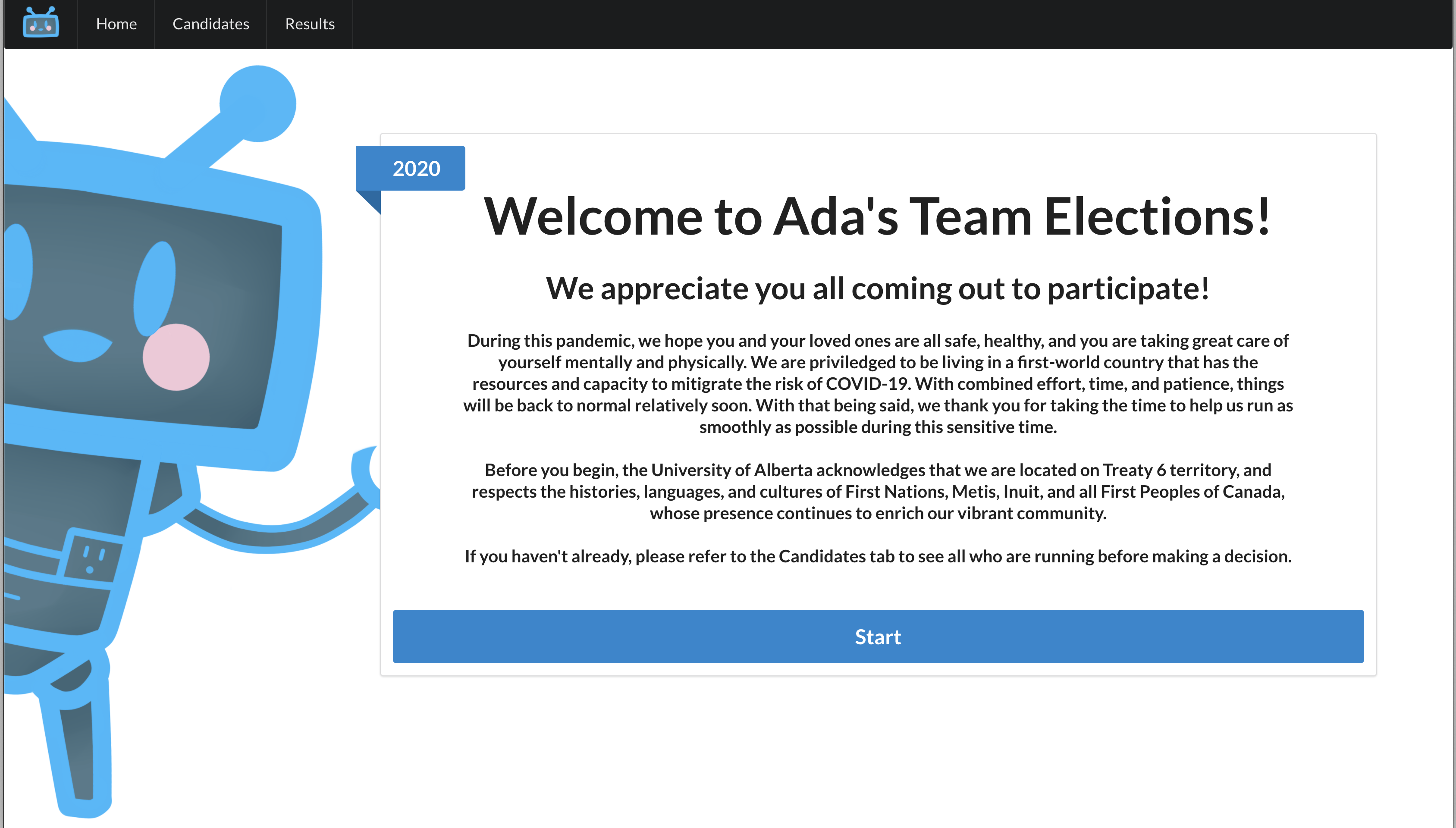
A web application to aid in Ada's Team annual election of the executive team.
- Minimum Viable Product (MVP) is to automate the voting process and block any ineligible voters/votes.
- Deployed Website: https://elections.adasteam.ca/
To get a local copy up and running follow these simple steps.
This is an example of how to list things you need to use the software and how to install them.
-
npm
npm install npm@latest -g
-
Update (April 1, 2026): For future elections, please note that using the latest Node.js version might not work. My workaround was to use nvm and use an older Node.js version before beginning installation:
nvm install 20 # as of writing, v20 works well and with netlify-cli
nvm use 20
- Clone the repo
git clone https://github.com/adas-team/ElectionsApp.git
- Install NPM packages
npm install
See the open issues for a list of proposed features (and known issues).
These instructions allow you to upload the candidate and voter information to the database, as well as upload the candidate photos.
-
Follow the instructions on src/firebase/INSTRUCTIONS.md to update the database with the candidate and voter information.
-
Upload the candidate photos to public/candidatePhotos
-
Update the
candidatesobject in src/components/constants.js -
Build and deploy to Netlify using CLI
a. Install Netlify CLI, if not already installed:
npm install netlify-cli -g
b. Login to Ada's Team netlify (info in Account Information), if not already logged in
netlify login # alternatively, use `netlify switch` if signed into another accountc. Build the project
npm run build
d. Deploy the project
- Use
buildas the publishing directory - If it asks for a site, use adas-team-elections.netlify.app
netlify deploy --prod
- Use
Please reference the CONTRIBUTING.md file.
Distributed under the GNU General Public License v3.0 license. See LICENSE for more information.
Ada's Team - @adas_team - adasteam@ualberta.ca