EVLog is a PHP + MySQL application for tracking and analyzing trips and charging sessions of an electric vehicle.
Table of Contents
- Introduction
- Requirements
- 1. Update the system
- 2. Install Docker
- 3. Verify the installation
- 4. Use Docker without sudo (optional but recommended)
- 5. Clone the application
- 6. Start the application
- 7. Verify the containers
- 8. Access the application
- 9. View logs
- 10. Stop the application
- 11. Reset the database
- Notes
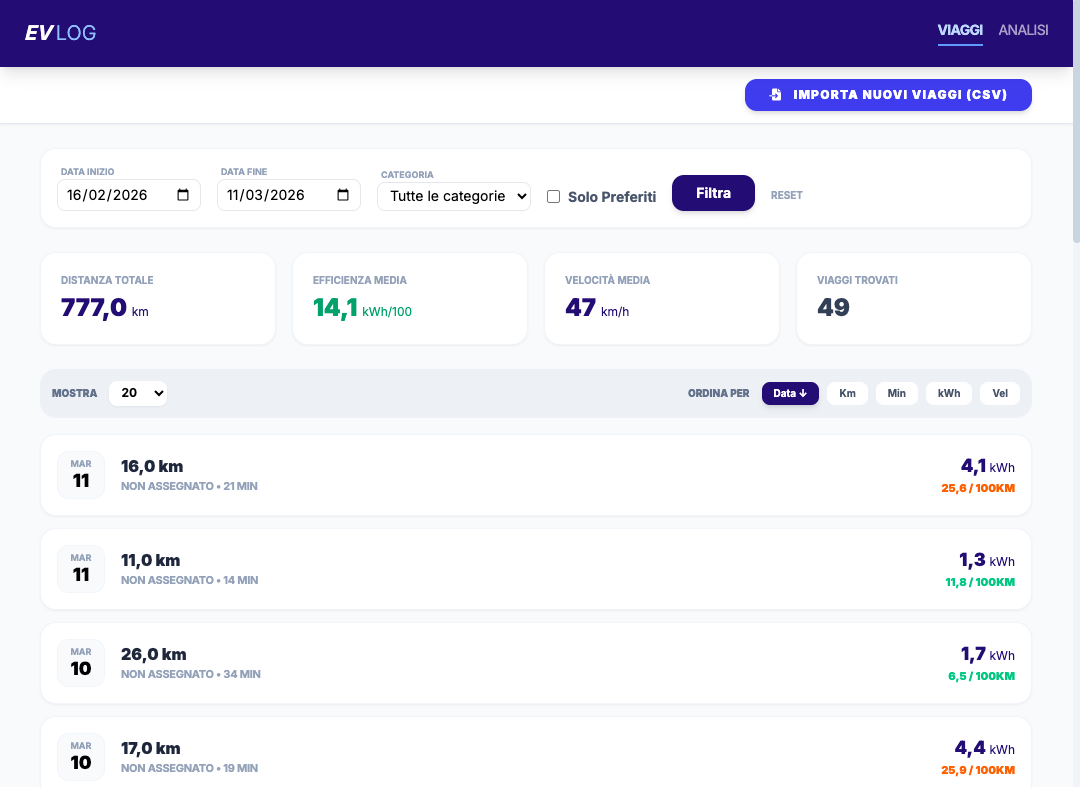
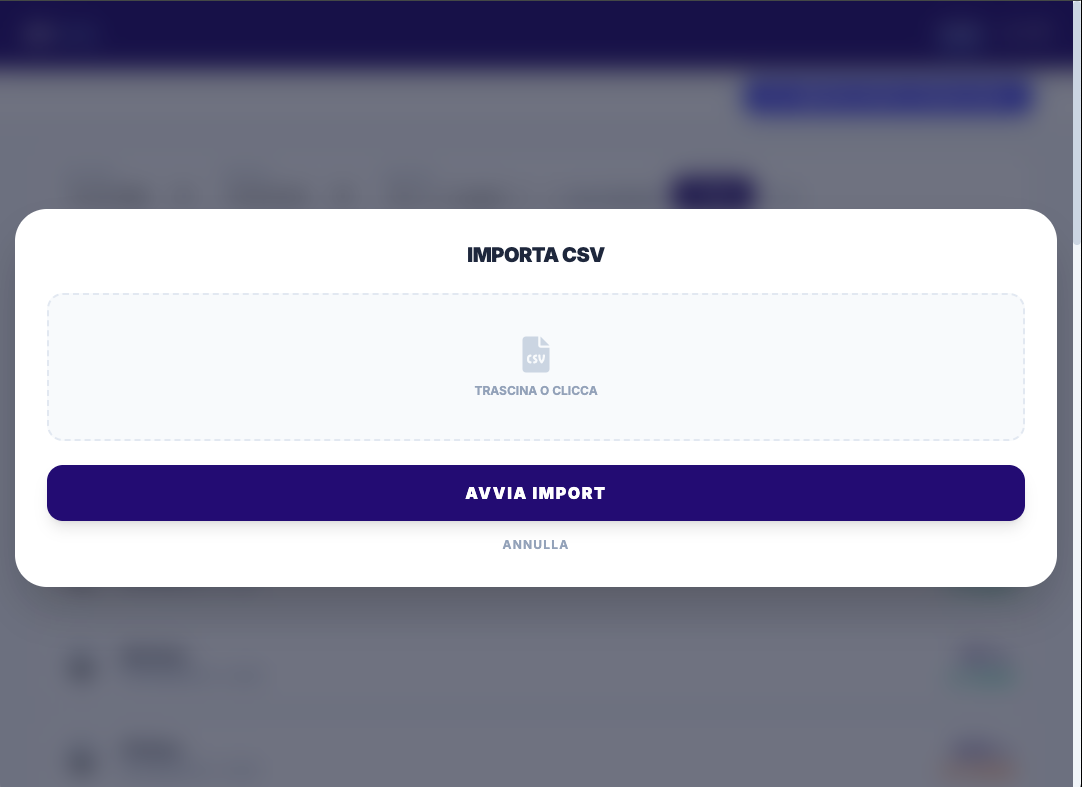
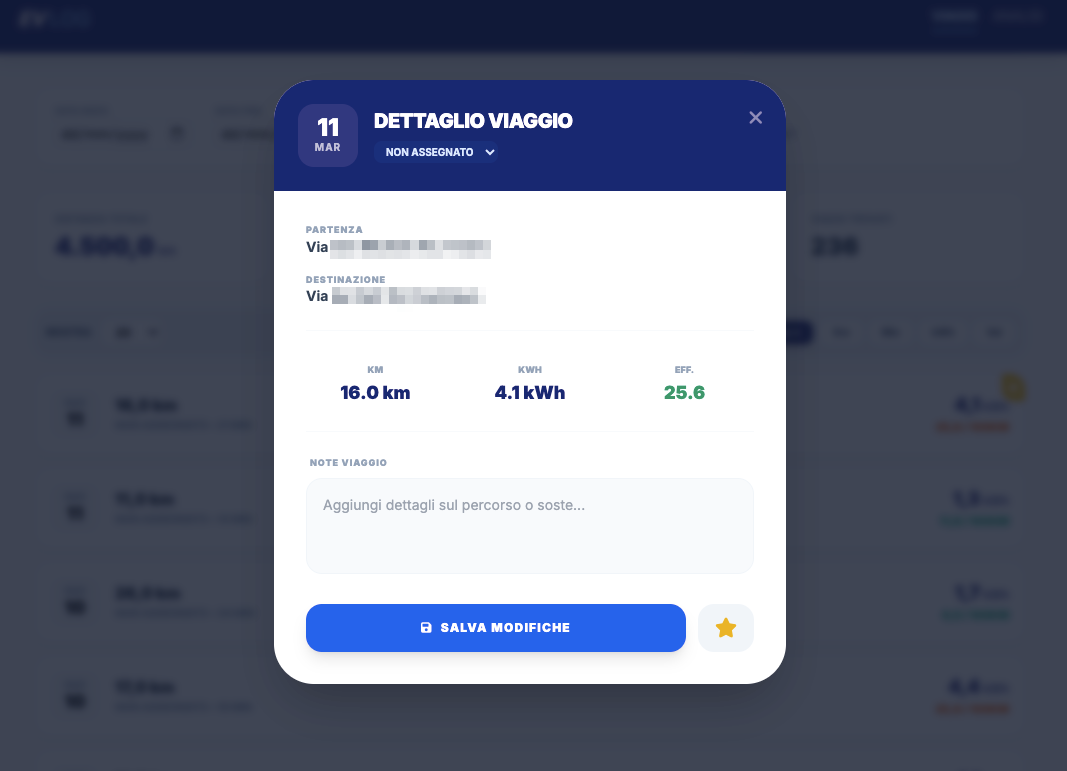
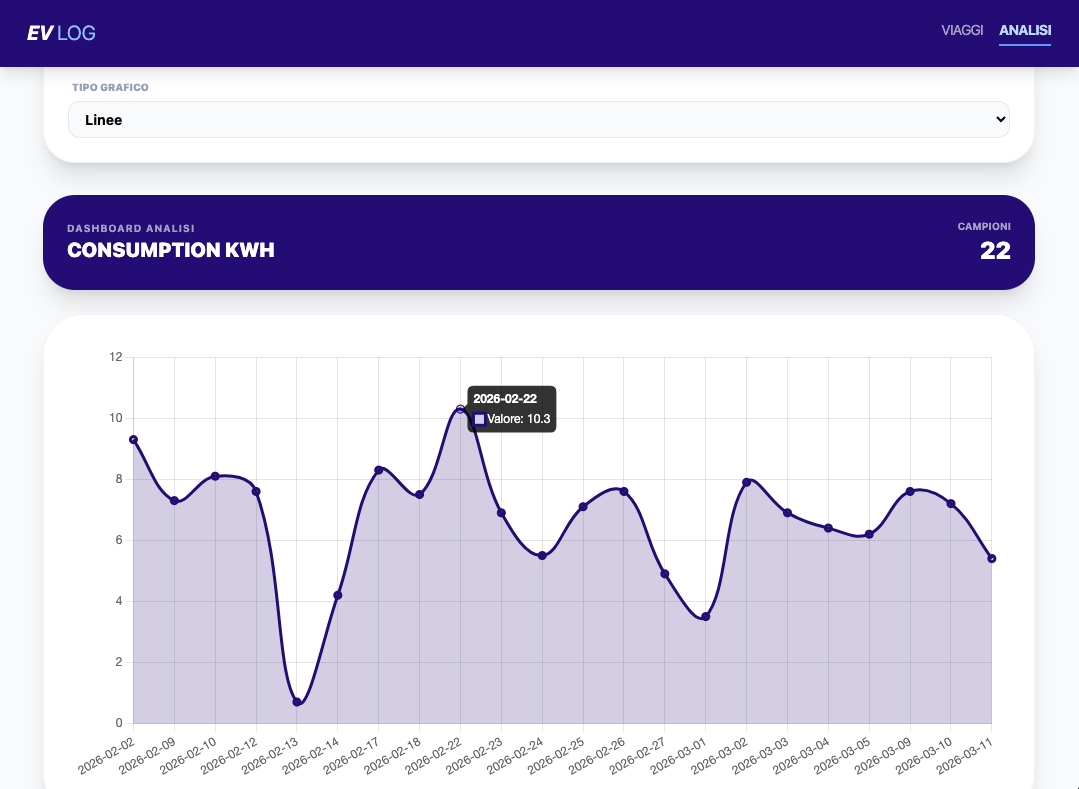
EVLog is an application that allows you to export trips from the official Volvo app in CSV format and import them into this system. This enables you to maintain a historical record and perform analysis and statistics on your trips.
Below are some screenshots of the interface:
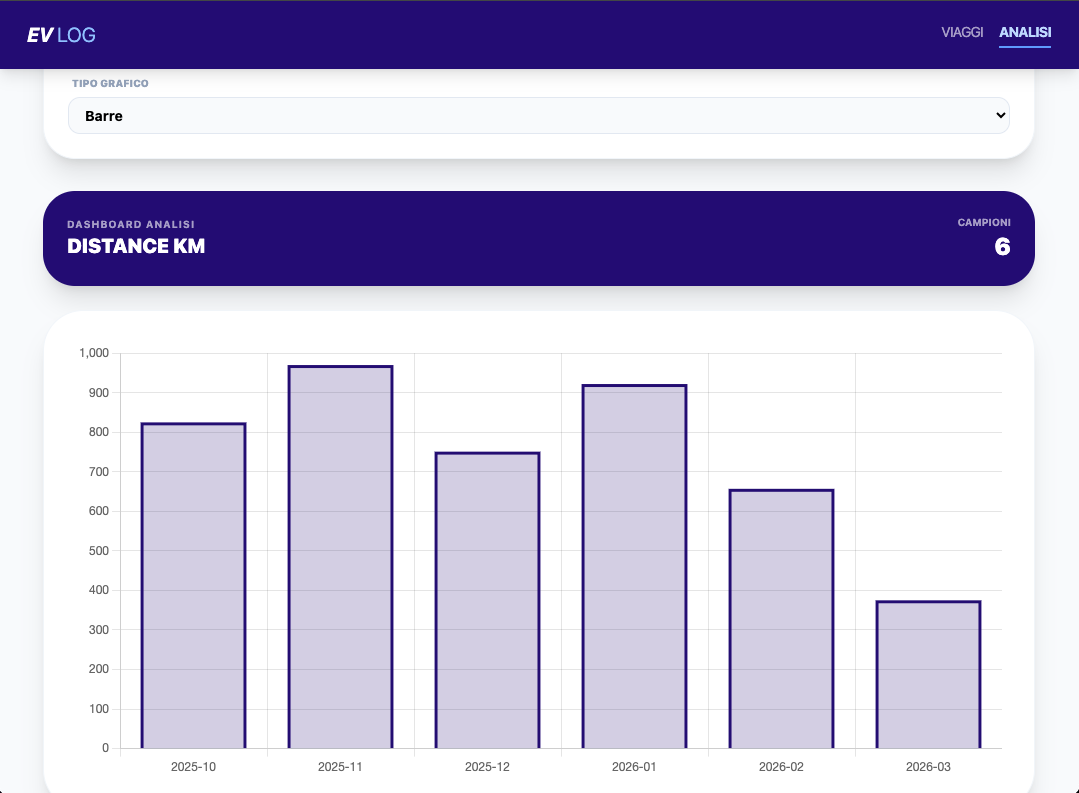
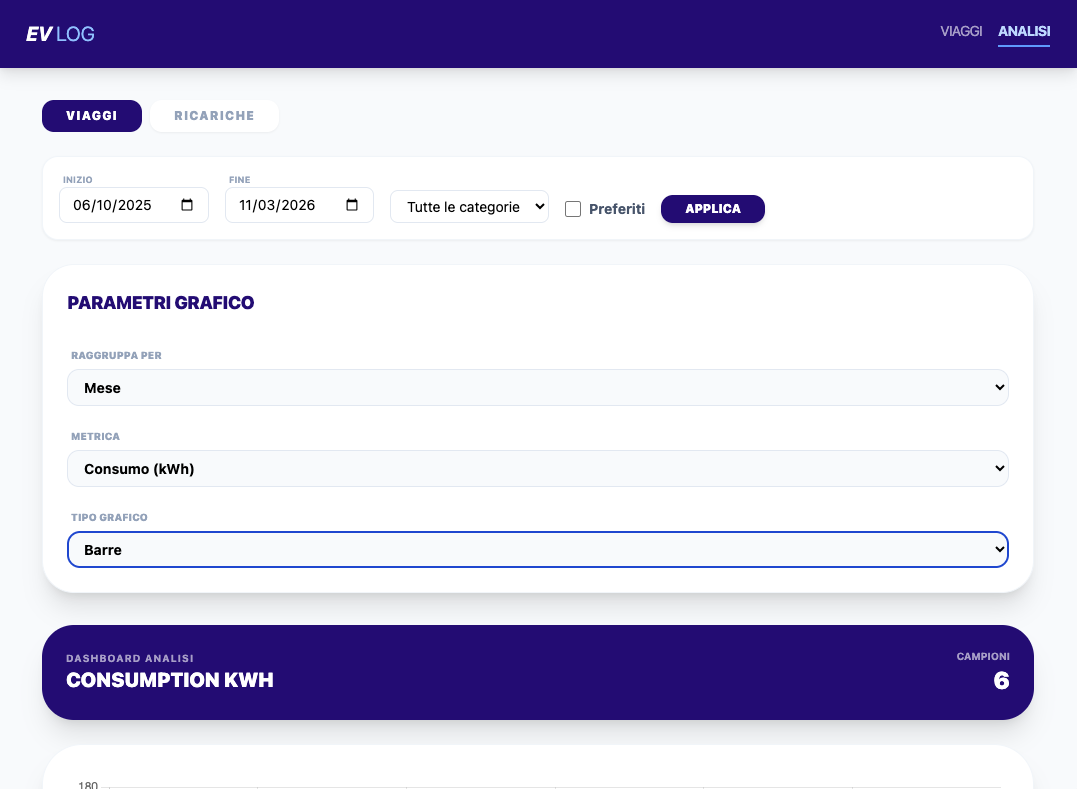
Disclaimer: This application is provided "as is" and may contain errors or inaccuracies. The developer assumes no responsibility for any use or misuse of the application.
- Linux (tested on Ubuntu 24.04)
- Internet connection
- sudo privileges
Open a terminal and run:
sudo apt update
sudo apt upgrade -yInstall required packages:
sudo apt install -y ca-certificates curl gnupgCreate the Docker keyring directory:
sudo install -m 0755 -d /etc/apt/keyringsDownload the official Docker GPG key:
curl -fsSL https://download.docker.com/linux/ubuntu/gpg | sudo gpg --dearmor -o /etc/apt/keyrings/docker.gpgSet permissions:
sudo chmod a+r /etc/apt/keyrings/docker.gpgAdd the Docker repository:
echo "deb [arch=$(dpkg --print-architecture) signed-by=/etc/apt/keyrings/docker.gpg] https://download.docker.com/linux/ubuntu $(. /etc/os-release && echo $VERSION_CODENAME) stable" | sudo tee /etc/apt/sources.list.d/docker.list > /dev/nullUpdate package lists:
sudo apt updateInstall Docker and Docker Compose:
sudo apt install -y docker-ce docker-ce-cli containerd.io docker-buildx-plugin docker-compose-pluginCheck the installed Docker version:
docker --versionRun a quick test:
sudo docker run hello-worldIf you see Hello from Docker, the installation is successful.
Add your user to the Docker group:
sudo usermod -aG docker $USERReload the group:
newgrp dockerNow you can run Docker commands without sudo.
Clone the repository:
git clone https://github.com/HostileCoding/EVLog.gitEnter the project directory:
cd EVLog/evlogThe project structure should look like this:
EVLog
│
├── docker-compose.yml
├── Dockerfile
│
├── src
│   ├── index.php
│   ├── config.php
│   └── ...
│
└── database
    └── init.sql
Inside the project directory run:
docker compose up --build -dDocker will automatically:
- build the PHP container
- start the MariaDB database
- initialize the database using
init.sql - start phpMyAdmin
docker psYou should see three containers:
volvo_trips_webvolvo_trips_dbvolvo_trips_phpmyadmin
Open your browser.
EV Log application:
http://localhost:8080
phpMyAdmin:
http://localhost:8081
phpMyAdmin credentials:
server: db
user: volvo_user
password: volvo_password
To monitor logs and troubleshoot:
docker compose logs -fOnly the web container:
docker compose logs webdocker compose downTo completely recreate the database:
docker compose down -v
docker compose up --buildThe database is automatically initialized during the first startup using:
database/init.sql
Database data is persistent thanks to Docker volumes.